| The MusicMix Tour... Main Menu | Home | Next |
| The MusicMix tour shows you screen views throughout the software. Below is the opening MusicMix screen. Click a large button or a menu choice to view each area in the program. At each screen, click on the "Exit,"Cancel," or "OK" button (or the "Close Window" X) to return to the previous screen in the tour. | On each screen, for many of the buttons and menu choices, clicking will take you to the screen used by that process. Experiment with clicking on the screen buttons. |
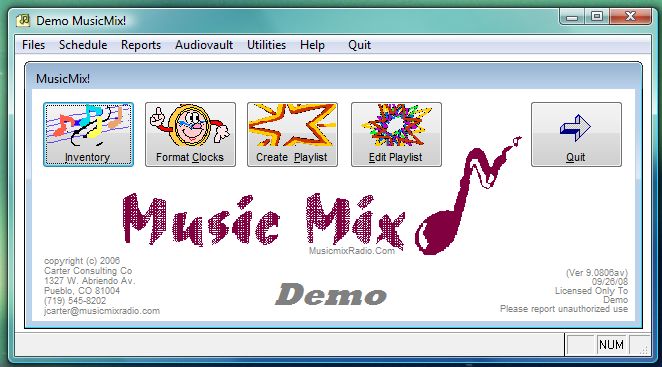
Main Menu Choices: |
|||||
| Files | Schedule | Reports | Utilities | Help | Quit |
|
Rotations |
Create
Playlist Edit Playlist |
Inventory Analysis Music History ...and others |
Batch
Edit Options ...and others |
||